New arrivals
Made with care and unconditionally loved by our customers.

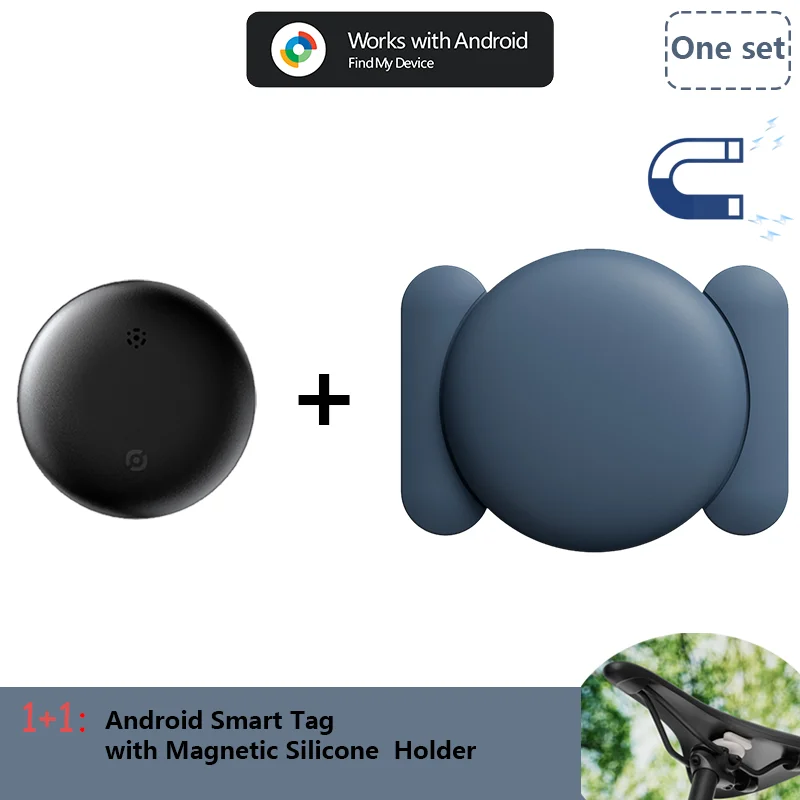
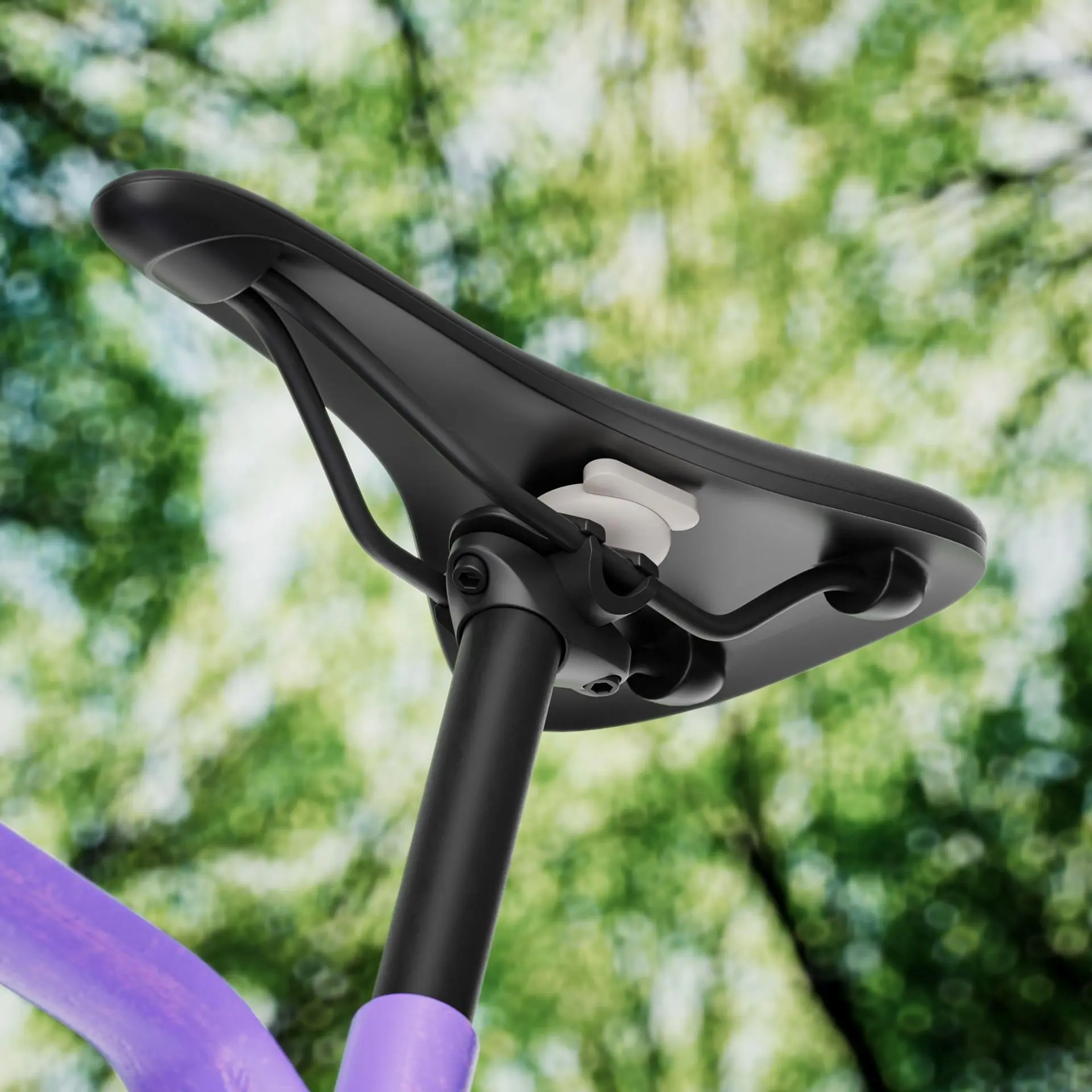
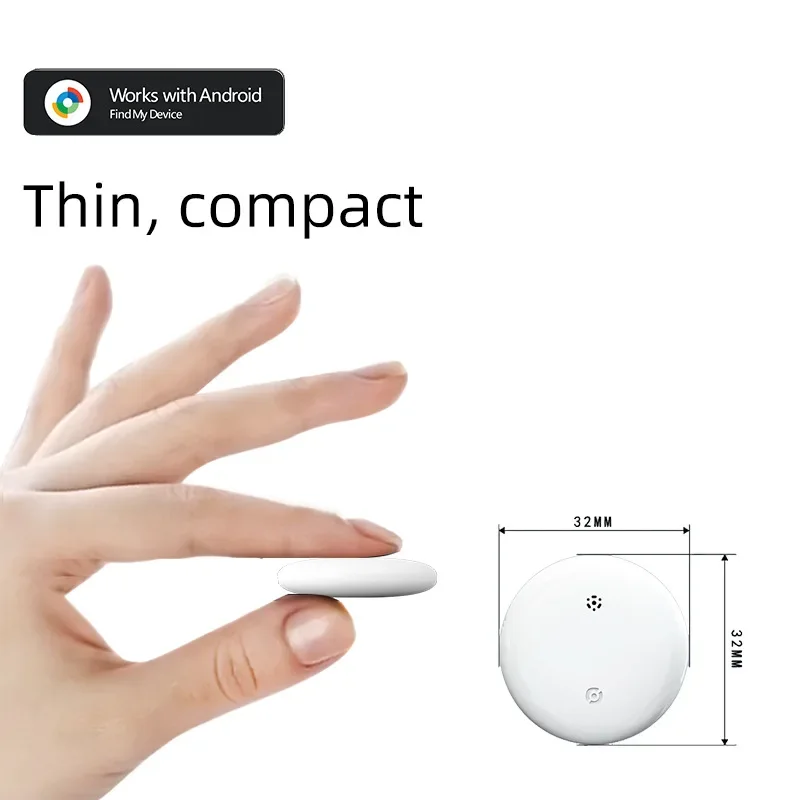
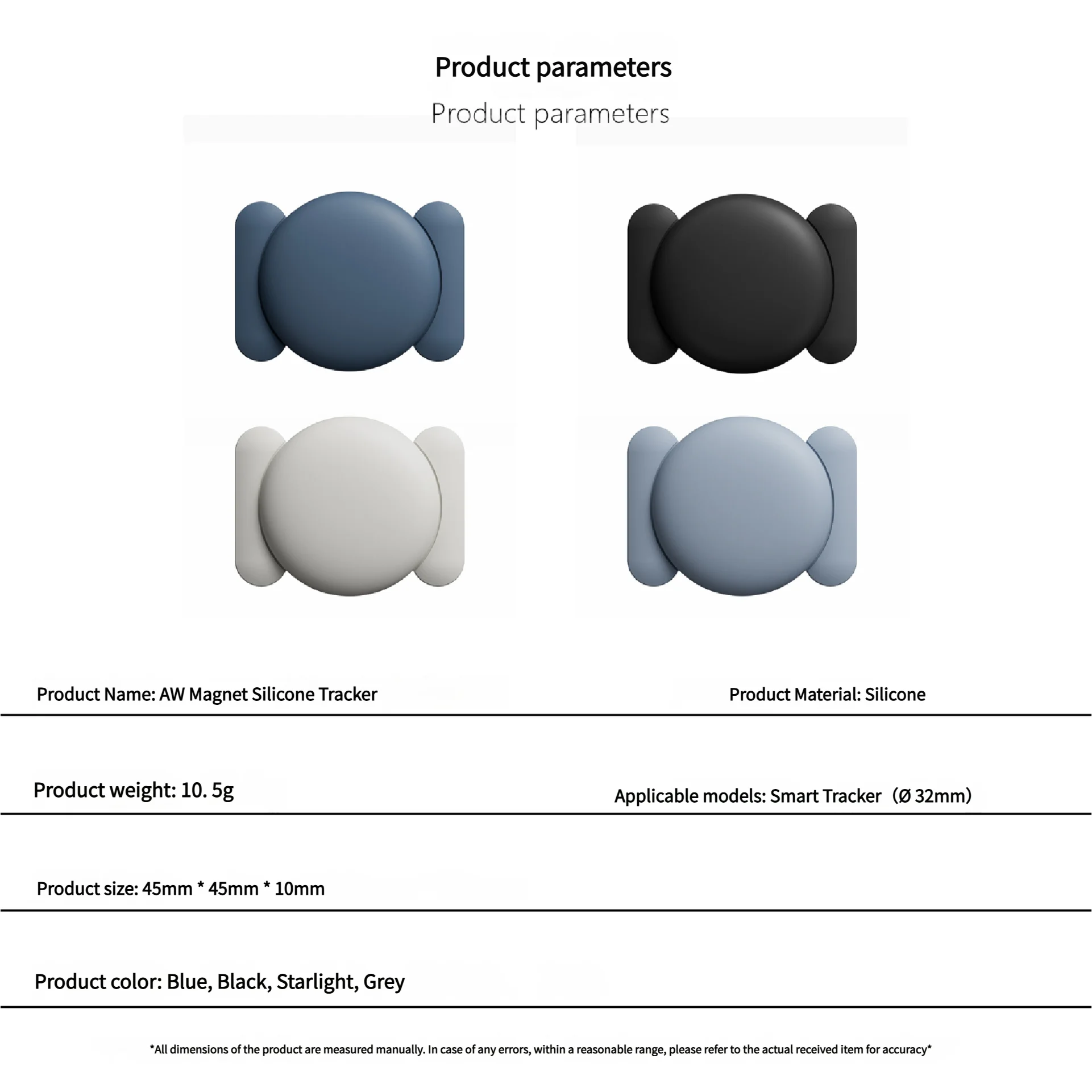
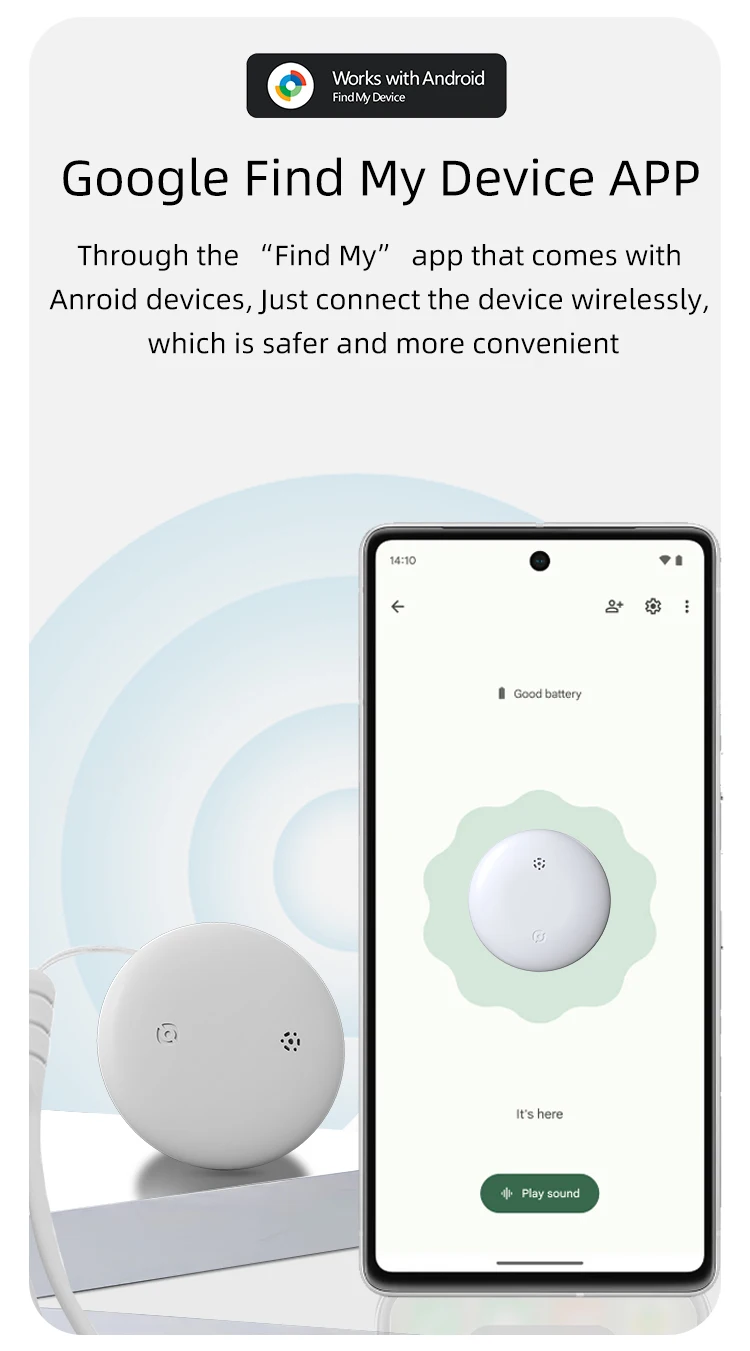
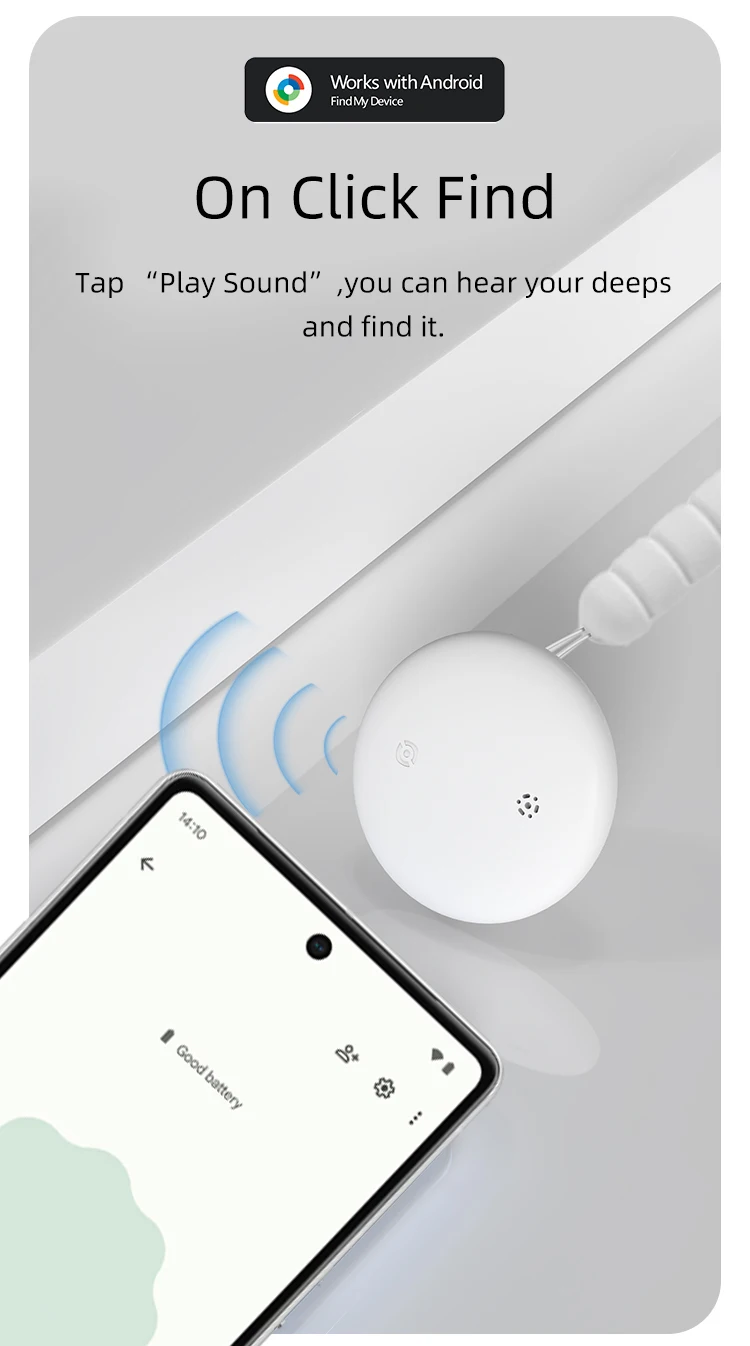
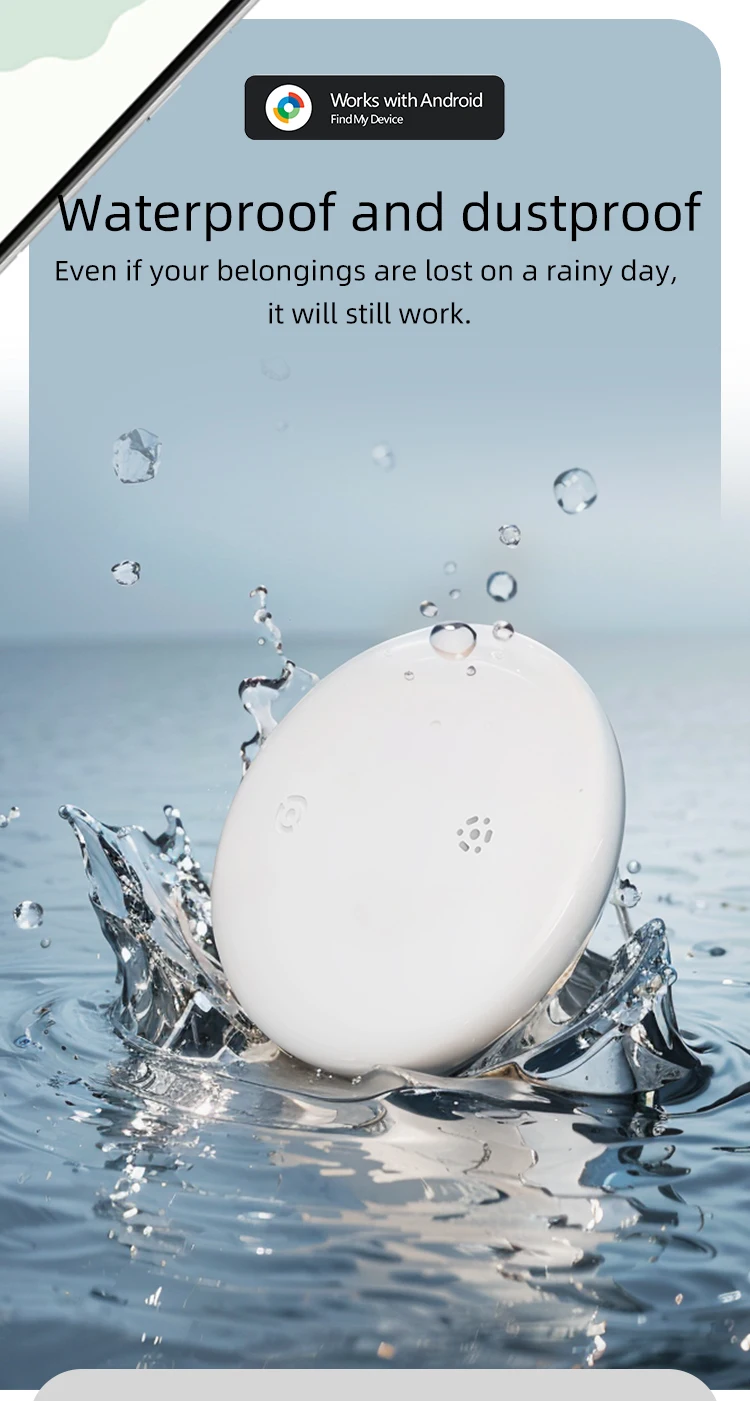
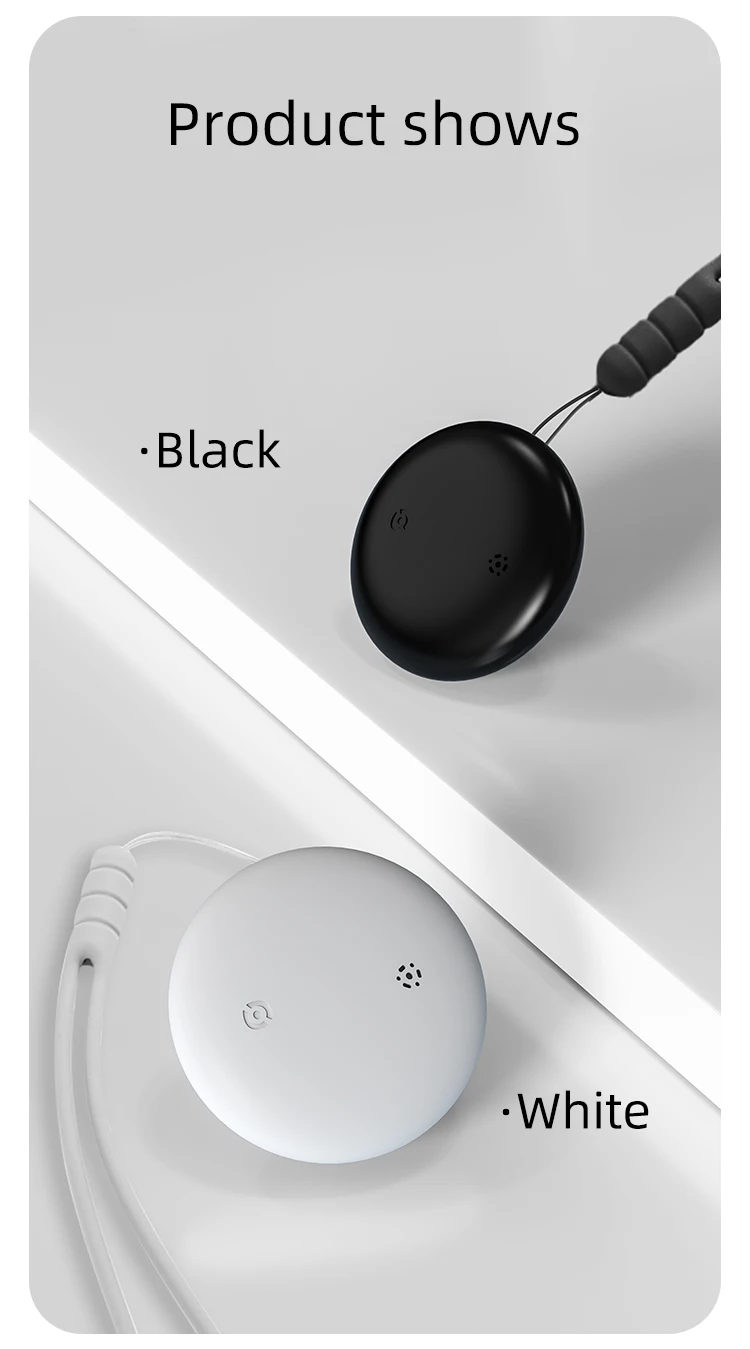
Android Airtag with Magnet Holder Compatible with Google Find My, Waterproof Shockproof Smart Tracker with Protective Cover


FAQ:Why can't my Android phone connect to Tag ?
A:This is usually because the user missed the automatic pop-up window of Tag, you can try to restore the factory settings. The steps are as follows
How to reset:Please refer to the paper manual for the reset operation
(P.S.:If you can't connect even after reset and no automatic pop-up window appears, please refer to the Troubleshooting Guide.
https://www.rexzol.com/support/google/troubleshooting)
If the automatic popup doesn't appear, follow these steps to connect manually:
1. Open phone settings
2. Go to Google
3. Select All services
4. Go to Devices
5. Turn on Scan for nearby devices
6. View Available devices nearby
Quality Assurance
If you still have other questions after receiving the item, Please don't worry!please communicate with the merchant, share product photos and videos, and get an immediate refund for verified quality defects.